You shift into reverse in a snowy parking lot and the screen shows a grey smear. Or nothing at all, just a black square where the view should be. Backing a full size truck out between a snowbank and somebody's car with no camera is a genuinely different job, and it is one of the more common complaints we hear the moment the roads turn to slush.
Here is the good news. A lot of backup camera problems are not a failed camera, and some of them you can sort out in your driveway in two minutes. Others need a tech and a scan tool. This post walks through the fix order so you know which kind you have, and when it is the second kind you can book it into our service department and skip the guessing.
Key Takeaways
- Start with the lens. Winter road film, salt and slush on the camera lens cause more "broken camera" complaints than failed cameras do. Ram's owner's manual says to clean it, rinse with water and dry with a soft cloth.
- What the screen shows is a clue. A blurry or smeared picture usually points to the lens. A black box or a no signal message while the rest of the screen works points to the camera, its wiring or a fuse. A dead screen altogether is a head unit problem.
- On a Ram pickup the camera lives in the tailgate. Ram's manual places the camera in the tailgate handle and notes that removing the tailgate disables the rear camera. That makes the tailgate wiring a common suspect on a work truck.
- Know when to stop. Once you have cleaned the lens and checked the obvious, an intermittent or dead camera is a diagnosis, not a guess.
- Treat it as a safety item. Transport Canada has required rear visibility systems on new light vehicles built since May 2018 for a reason. Do not live with a dead camera until spring.
Step One: Clean the Lens Properly
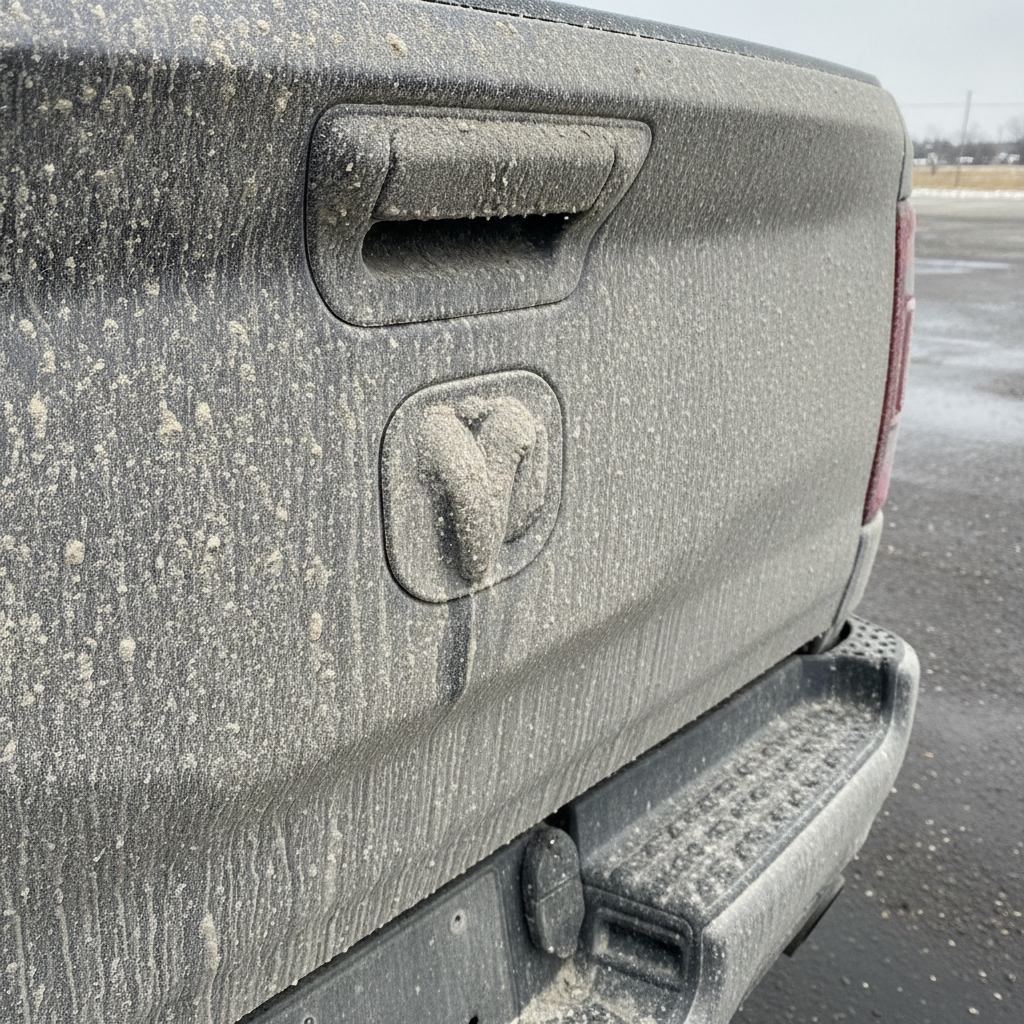
It sounds too simple. It is still the first thing to do, and in a Manitoba winter it is often the whole fix.

The camera lens is small and it sits right in the spray behind the rear tires. A thin film of dried salt and road grime turns the picture milky or blurry, and a lump of slush can block it entirely. Ram's own owner's manual guidance is straightforward: if snow, ice, mud or anything else builds up on the lens, clean it, rinse it with water, and dry it with a soft cloth.
A few practical notes from the service drive:
Use water and a soft cloth, not a scraper. A plastic lens scratches, and a scratched lens is blurry forever.

Do not cover it. Aftermarket plate frames, tailgate decals and bed accessories sometimes creep into the view.
Check it in daylight. A lens that looks clean under a parking lot light can still carry a film.
If the picture comes back sharp, you are done. If the screen is black, go to step two.
Step Two: Read What the Screen Is Telling You
What you see when you shift into reverse narrows the problem down fast.
The picture is there but blurry, foggy or streaked. That is almost always the lens, or moisture inside the camera. Clean it again. If it is foggy from the inside, the camera may need replacing.
The guide lines show, but the picture behind them is black or blank. The screen knows the truck is in reverse, but no picture is arriving. That points to the camera, its connector or the wiring between them.
A no signal or camera unavailable style message. Same area, camera or wiring, and worth a proper check.
Nothing changes when you shift into reverse. The screen stays on the radio or map. On some vehicles the system uses the reverse signal to switch views, so a problem in that circuit can stop the camera from ever coming up. That is a scan tool job.
The whole screen is black, frozen or rebooting. That is the head unit, not the camera. Our post on Uconnect screen problems covers the software checks and the reset that is actually in the manual.
Step Three: Think About the Tailgate
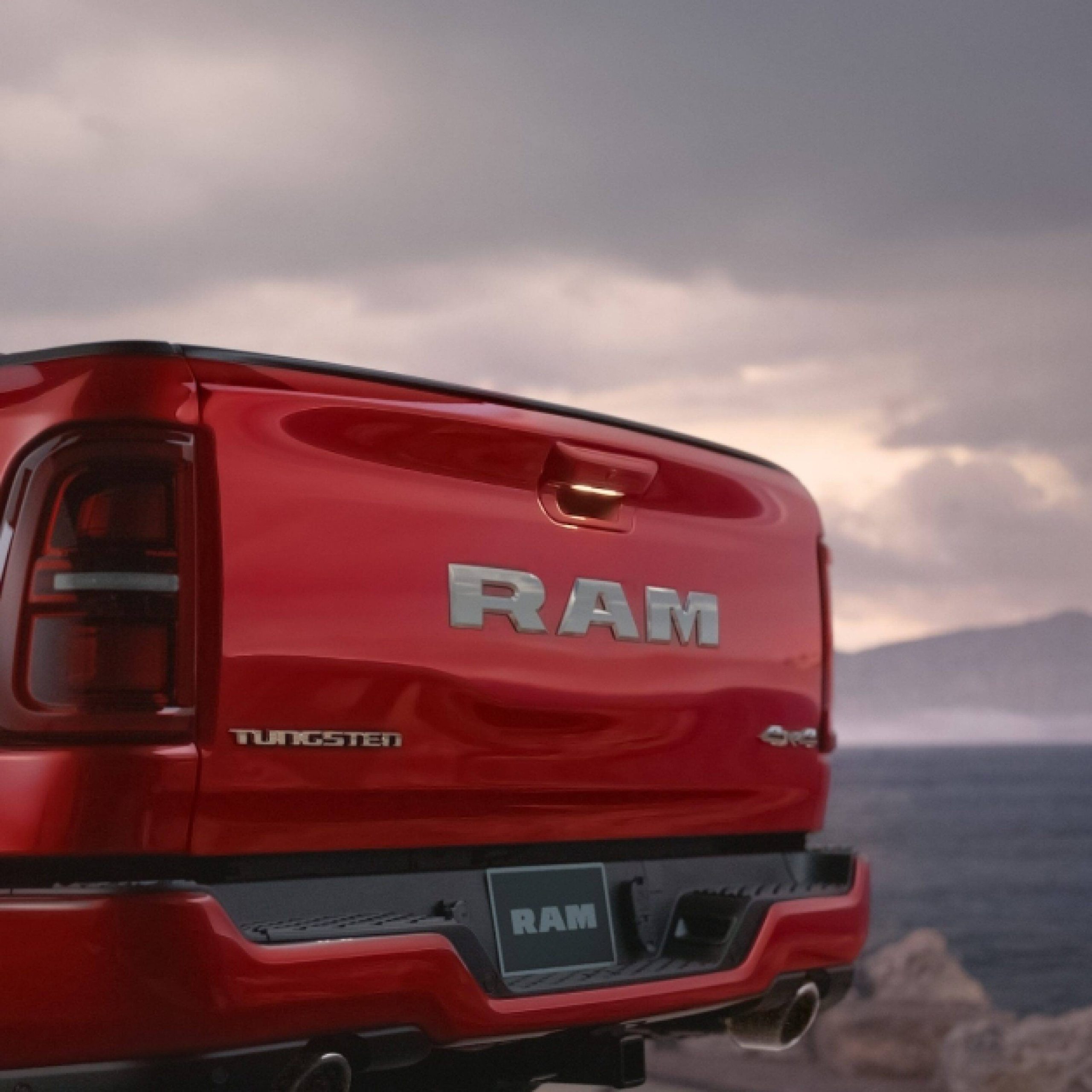
On a Ram pickup, Ram's owner's manual places the rear camera in the centre of the tailgate handle. The wiring has to run from the truck body into a tailgate that opens and closes thousands of times, and the manual notes that removing the tailgate disables the camera. That tells you where to look.
Was the tailgate off recently? If somebody pulled it to load a slide in unit or to fit a bed accessory, a connector may not be fully seated.
Is it a work truck? Years of dropping the tailgate, loading gear and bouncing down grid roads can wear or chafe the harness where it passes into the tailgate. A camera that flickers or cuts out over bumps is a strong hint.
Was the tailgate damaged or replaced? A backing incident or a replacement tailgate after a collision can leave the camera wiring disturbed. If the camera stopped after bodywork, tell us, and if the tailgate itself is damaged our collision department can look after the repair.
Jeep SUVs and other models mount their cameras in other places, like the liftgate or near the spare tire, but the logic is the same. Anywhere the camera sits on a part that moves or takes hits is a place wiring wears.
Step Four: The Fuse, and Then the Stopping Point
A blown fuse can take out a camera. Your owner's manual shows where the fuse panels are and what each one protects. If you are comfortable checking one, that is a reasonable thing to look at. If a new fuse blows again, stop there. A fuse that keeps blowing is protecting a short somewhere, and replacing it again will not find it.
That is the stopping point for a driveway fix. If you have cleaned the lens, confirmed the screen itself works, thought about the tailgate and the camera is still black or intermittent, it needs a tech.
What Happens in the Bay
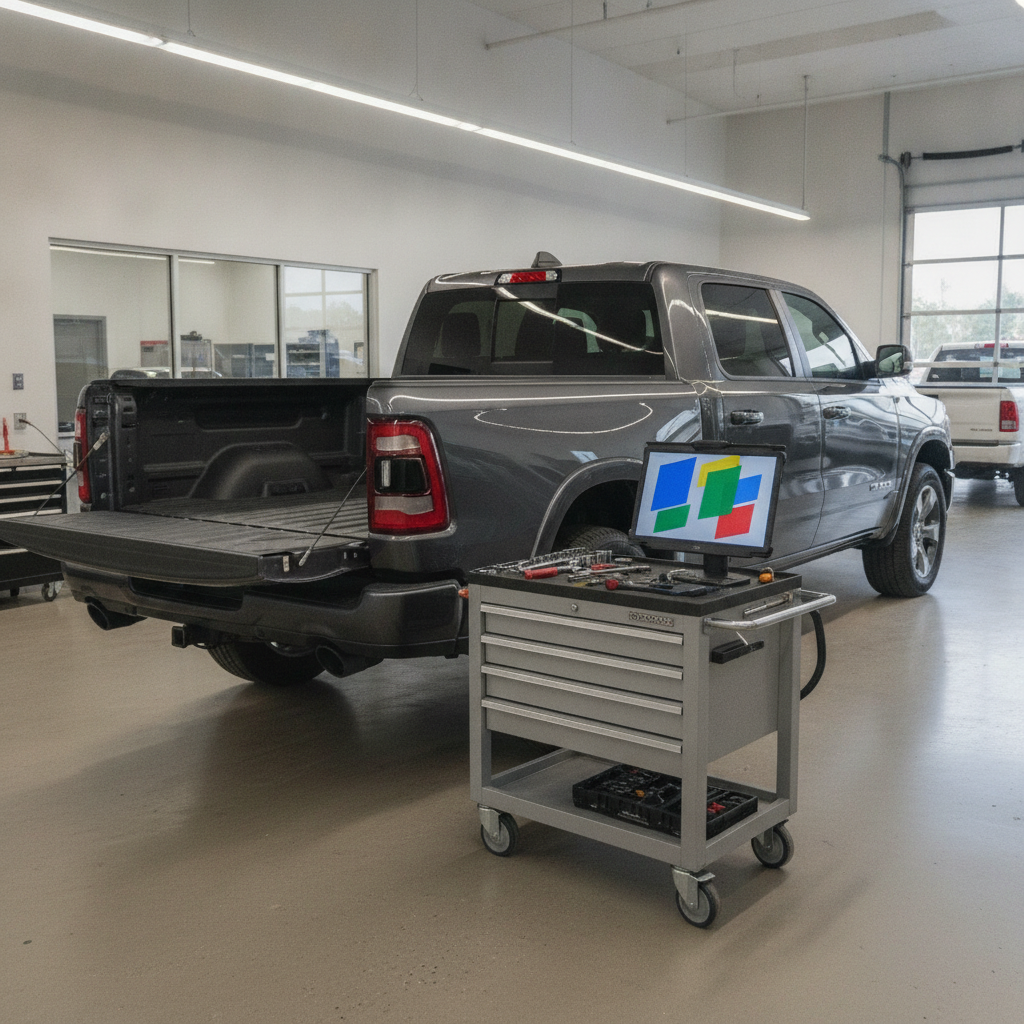
Our techs work through it in the same order, with better tools.
Scan for stored faults. The camera, the display and the modules that link them can store codes that point straight at a camera, a circuit or a communication problem.
Check power, ground and signal at the camera. That tells us whether the camera is getting what it needs and simply not answering, or not getting it at all.
Inspect the tailgate harness and connectors. The bends and pass throughs are where wires break.
Check software. Some display and camera behaviour is addressed by a software update, and whether one applies to your vehicle is looked up against the VIN.
Then we tell you what it is before any parts go on. If a camera or harness needs replacing, the genuine part comes through our parts department. Before you come in, it is worth knowing where you stand on coverage, and our guide to Ram warranty coverage in Canada lays that out. If the camera cuts in and out, our post on describing an intermittent problem to the shop will help you give us the details that matter.
Why It Is Not Just an Annoyance
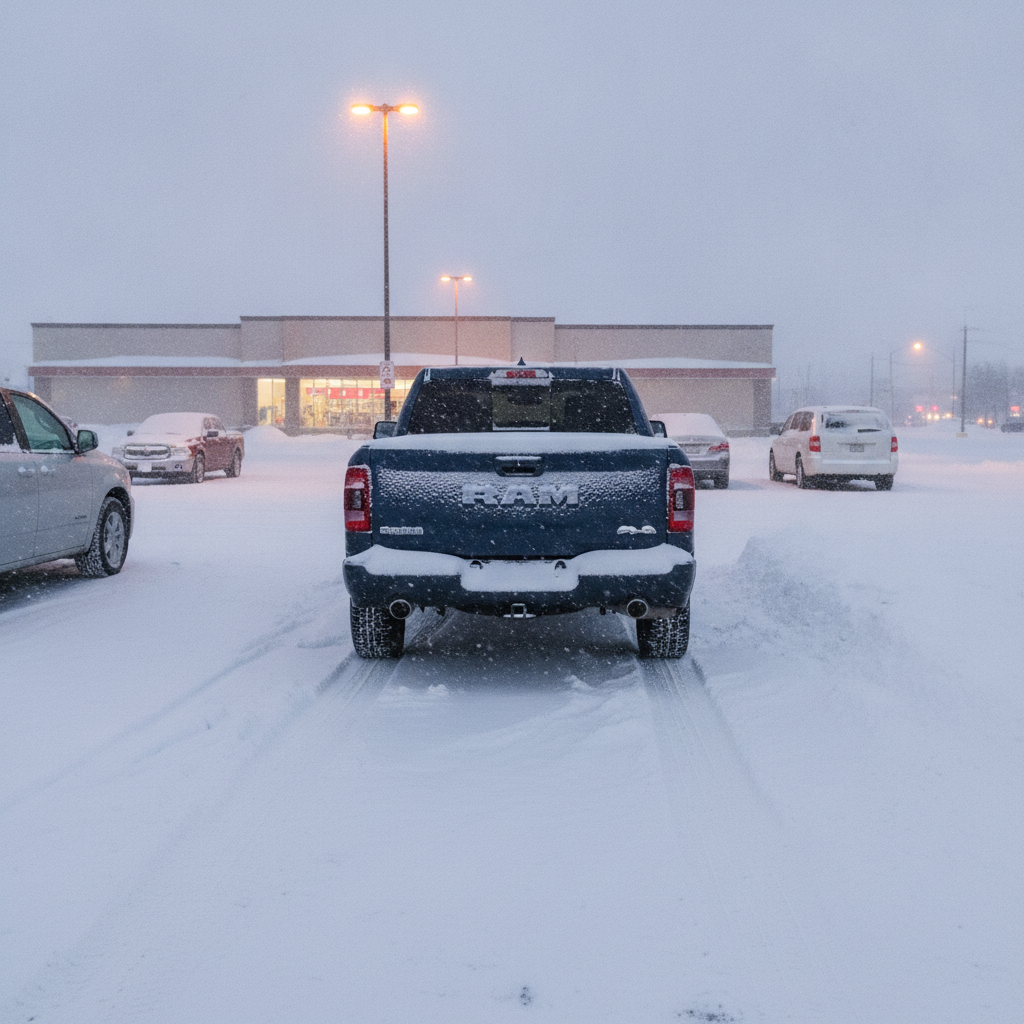
A backup camera is easy to file under convenience. It is more than that. Transport Canada has required rear visibility systems on new light vehicles manufactured since May 1, 2018, because people, often children, are hard to see behind a vehicle.
Out here the case is even plainer. Winter lots are full of snowbanks, short days and bundled up people walking between vehicles. A full size crew cab has a lot of blind space behind it. If your camera is out, walk around the truck before you reverse, use your mirrors, and get it fixed rather than waiting for spring.
FAQs
Why is my backup camera blurry?
Most often the lens is coated in road film, salt or slush. Clean it with water and a soft cloth and dry it. If the blur is inside the lens, moisture may have got into the camera and it may need replacing.
Why is my backup camera screen black but the radio works?
The display is working, so the problem is usually the camera, its wiring or connector, or a fuse. On a Ram pickup the tailgate harness is a common suspect.
Where is the backup camera on a Ram 1500?
Ram's owner's manual places the ParkView rear camera in the centre of the tailgate handle. Removing the tailgate disables it.
Can a tailgate cause the backup camera to stop working?
Yes. The camera wiring runs into the tailgate, so a tailgate that was removed, damaged or replaced, or a harness worn from years of use, can cut the camera out.
Should I drive without a backup camera?
You can, carefully, with mirrors and a walk around the vehicle before reversing. But it is a safety feature, especially in winter lots, so get it looked at rather than living with it.
The Bottom Line
Most backup camera problems follow a pattern. Clean the lens first, read what the screen shows, think about the tailgate, check the fuse, and stop there. A lot of trucks leave the driveway fixed at step one. The rest need a proper diagnosis, and guessing at parts is the slow way to get there.
If yours is still out, book a backup camera diagnosis with our service department and tell us what the screen shows. Our service centre will find the actual cause in Portage la Prairie. And if your truck has reached the stage where the camera is one of several things going, have a look at our new Ram 1500 inventory, where a surround view camera is available on several trims.