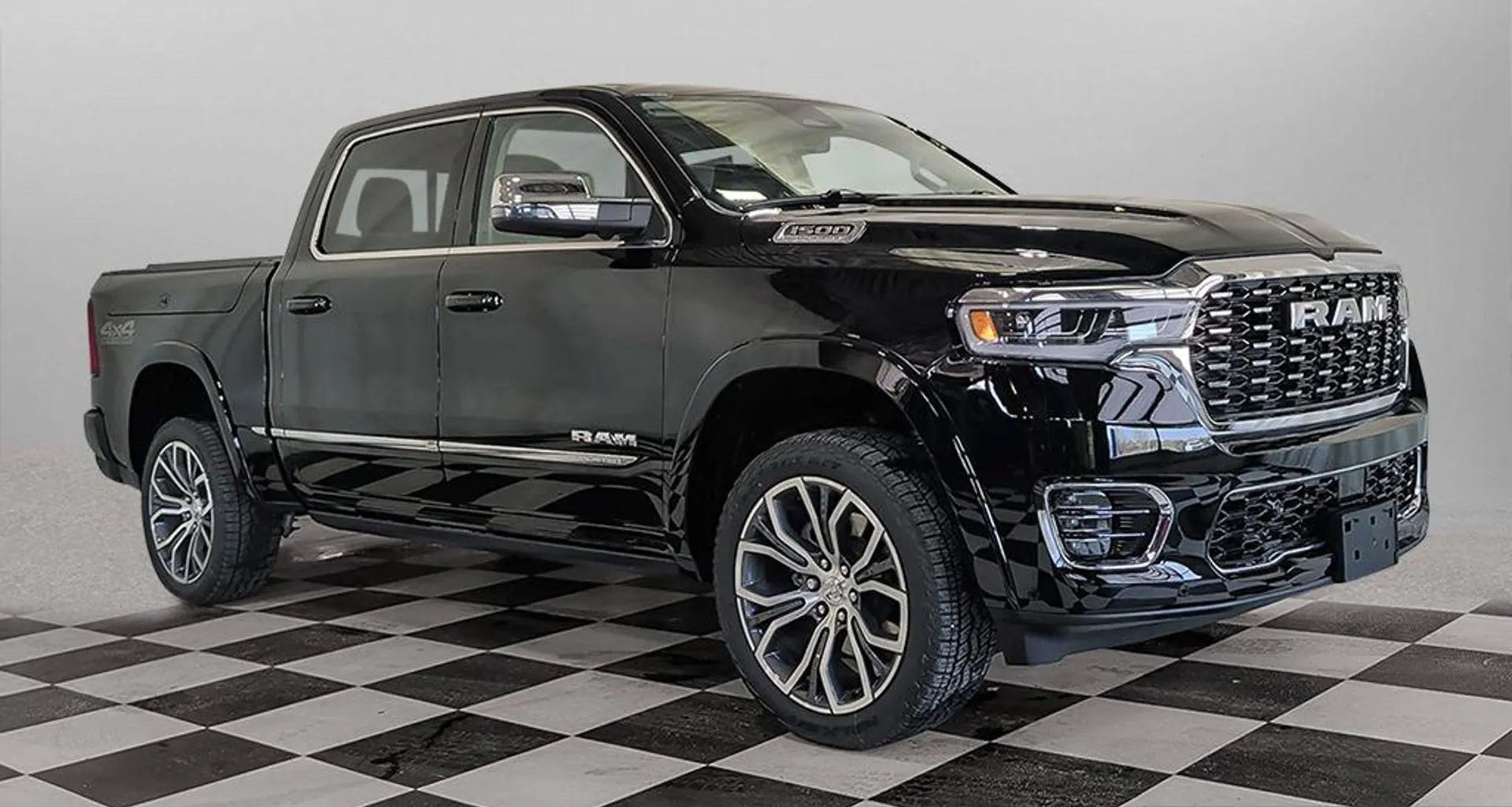
You back out of the driveway and the camera never comes up. Or the screen goes black halfway to Winnipeg, reboots itself twice, and then works fine for a week. Or Apple CarPlay drops every time you hit a bump on the perimeter. Uconnect complaints are one of the fastest growing things we see at the service desk, and they are also the ones where owners get the least straight information anywhere online. Some of these you can genuinely fix in your driveway in ten minutes. Some of them can only be done by a dealer, by design. Knowing which is which saves you a trip, and when it is the second kind you can book a service appointment with us instead of chasing forum advice.
Here is the honest version from a Portage la Prairie counter, using what Stellantis actually publishes rather than what somebody on a forum swears worked on their truck.
Key Takeaways
- Check your software version first. Uconnect Settings has a System Information menu that shows your system versions. Everything else is guesswork until you know what you are running.
- There is a reset in the manual. The Uconnect Settings Reset menu can clear personal data, reset settings from other menus, and restart the radio. That is the manufacturer's own soft reset, not a forum trick.
- On a 2020 or newer vehicle you cannot update it yourself with a USB stick. Stellantis states model year 2020 to 2026 systems are updated over the air or at a certified dealership only, and that those years will not have the latest USB updates available for customer download.
- Canadian owners have a Canadian resource. Ram's own manual tells Canadian residents to check driveuconnect.ca for available Uconnect software updates rather than the US site.
Start by Finding Out What You Are Running
Half the bad advice on this subject comes from people troubleshooting a problem that was already fixed in a software release two years ago.

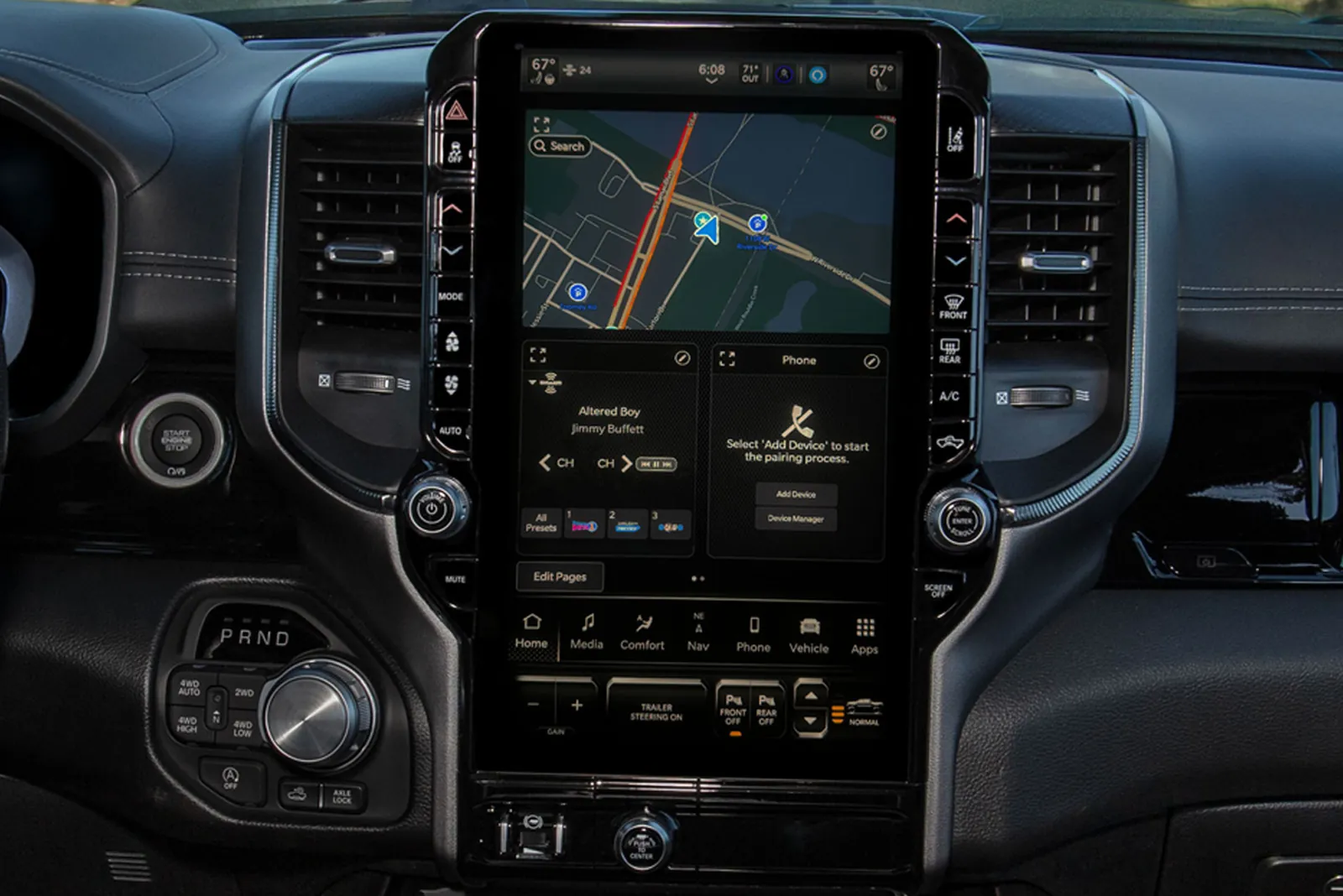
On a current Ram you get into the settings by pressing the Vehicle button on the touchscreen and then the Settings tab across the top. Inside there, the System Information menu shows your Uconnect system versions and licensing. That is your starting point, and it takes about thirty seconds.
Two other menus in that same place matter for this problem.
Software Updates controls whether the system is allowed to download updates over Wi-Fi. If that is switched off, your truck has been quietly declining updates, possibly for years. Turning it on and putting the vehicle on a password protected Wi-Fi network is the single most useful thing most owners can do about a flaky screen.

Reset is the one people are looking for when they ask about a soft reset. Ram's manual describes it as returning the Uconnect system to default settings, and says it can clear personal data, reset selected settings from other menus, and restart the radio. Restarting the radio is the real soft reset, and it is worth doing before you conclude anything is broken. Be aware that the other options in that menu will wipe your paired phones, presets and personal data, so read the choice before you tap it.
For Canada specifically, Ram's manual says Canadian residents should check driveuconnect.ca to learn about available Uconnect software updates. Uconnect system support in Canada also runs a phone line at 1-800-465-2001 for English and 1-800-387-9983 for French. That is worth knowing because a lot of the search results you will land on are the US site with US assumptions baked in.
Over the Air Versus Dealer Flashed
This is the part that surprises people, and it is the reason a lot of driveway fixes simply are not available anymore.
Stellantis states that model year 2020 to 2026 systems are updated over the air or at a certified Chrysler, Dodge, Jeep or Ram dealership only, and that those model years will not have the latest USB updates available for customer download. So if you have a 2021 truck and you are hunting for a USB file to flash it yourself, you are looking for something that is not published. That is not a gap in your searching. It is the design.
Older vehicles are a different story. Stellantis notes that 2019 and earlier vehicles may have newer software available at a dealer than what is posted on the website, so even there the dealer path can get you further than the download page. And on 2016 and earlier systems, Apple CarPlay and Android Auto are not supported at all, which is worth knowing before you spend a weekend trying to make it work.
The practical takeaway for a newer truck is simple. Get the vehicle onto Wi-Fi with the Software Updates setting enabled and let it take the over the air update. If it will not take one, or if the problem persists after it does, the remaining path is a dealer flash. That is not us protecting a revenue stream, it is where the software lives.
What Is Software and What Is Genuinely Hardware
Here is where we will be straight with you, including about the limits of what anyone can tell you from a blog post.
Usually software: a system that freezes intermittently and recovers after a restart, features that behave inconsistently, phone projection that drops or refuses to connect, settings that do not stick, sluggish response that gets worse the longer the truck runs. These are the symptoms that respond to being on current software, and they are worth exhausting first because the fix might cost you nothing.
Often hardware: a screen that is physically damaged, delaminating, or has dead zones where touch does not register in one area but works elsewhere. A display that stays completely black while the audio still plays. Ghost touches where the system registers presses nobody made. Those are the ones where updating software will not save you.
Honestly in between: a system that reboots repeatedly and never stabilizes, or one that will not complete an update. That could be software, a power or ground issue, or a failing module, and there is no way to call it from the driver's seat. That is a diagnosis, not a guess.
What we will not do here is give you a bulletin number or tell you your specific symptom is a known service action. Those are looked up against your VIN, they change, and a wrong one sends you into an argument at a service desk with bad information. If you want to know whether there is anything open on your truck, the honest first step is a recall and VIN check, and we walked through how to do that in our guide to checking recalls on your Ram or Jeep by VIN. Beyond that, ask us to look it up properly.
The Backup Camera Is Not a Cosmetic Problem

One symptom deserves to be pulled out of the general pile, because owners tend to file it under annoyance and it is not.
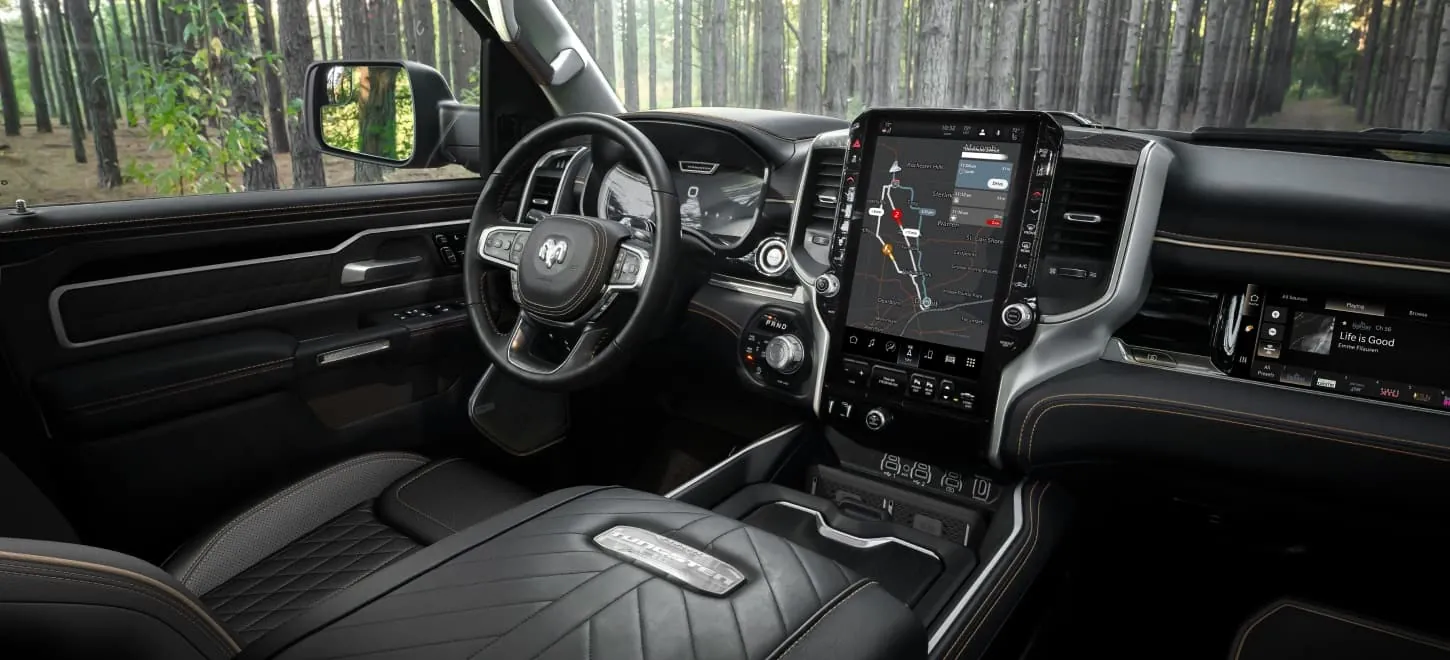
Your reverse camera displays on that screen. If the screen is dead, frozen, or black, you have lost the camera. In a full size crew cab, backing out of a spot in a Portage la Prairie lot in December with a snowbank on one side and no camera is a genuinely different job than it was the day before. Add a trailer and it gets worse.
So if your Uconnect problem includes the camera not coming up in reverse, move it up your list. It is not the same category as CarPlay being moody. Treat it as a safety item and get it looked at rather than living with it until spring.
Cold Weather and Screens
A Manitoba specific note, because it comes up every winter and the answer is boring in a good way.
A screen that is slow, unresponsive or slightly odd for the first few minutes on a minus 30 morning, and then behaves normally once the cab warms, is usually not the start of a failure. Cold displays are slower displays. Give the truck a chance to warm before you decide something is wrong.
What is worth paying attention to is a change in pattern. A system that used to be fine cold and now is not, or one that gets worse as the truck warms rather than better, is telling you something different. Pattern changes are the useful signal, not any single bad morning.
When to Book It
Work the free list first. Check your version in System Information, make sure Software Updates over Wi-Fi is switched on, get the truck onto a password protected network, and let it take whatever update is waiting. Try the Reset menu's restart of the radio. Give it a week of normal driving.
If it is still freezing, rebooting, or dropping the camera after that, stop. On a 2020 or newer vehicle you have reached the end of what an owner can do, because the remaining updates only come over the air or from a dealer. Our service centre can read what software the truck is actually on, check whether anything is open against your VIN, and flash it properly if that is the answer.
It is also worth knowing where you stand on coverage before you go, since infotainment repairs are not cheap out of warranty. We laid out what is covered and for how long in our guide to Ram warranty coverage in Canada, and if you are weighing where to have the work done, our comparison of dealership versus independent shop service and your warranty covers the tradeoff honestly.
And if the truck is old enough that the screen is one of several things going, we will give you the straight math rather than the sales pitch. Sometimes the repair is clearly worth it. Sometimes what is sitting in our new Ram 1500 inventory makes more sense, and we will tell you which one we actually think it is.
FAQs
How do I check my Uconnect software version?
Press the Vehicle button on the touchscreen, then the Settings tab at the top, then open System Information. That menu shows your Uconnect system versions and licensing.
How do I do a Uconnect soft reset?
The manufacturer's own path is Uconnect Settings, then the Reset menu, which can restart the radio. That same menu can also clear personal data and reset settings from other menus, so read the option before you select it or you will lose your paired phones and presets.
Can I update Uconnect myself with a USB stick?
Not on a recent vehicle. Stellantis states model year 2020 to 2026 systems are updated over the air or at a certified dealership only, and that those years will not have the latest USB updates available for customer download. Older vehicles may have more options, and a dealer may still have newer software than the website for 2019 and earlier.
Why does my Uconnect screen keep rebooting?
Repeated rebooting can be software, a power or ground problem, or a failing module, and there is no reliable way to tell from the driver's seat. Get on current software first, because that is free and rules out the most common cause. If it continues after that, it needs to be diagnosed properly.
Is a frozen Uconnect screen covered under warranty?
It depends on the vehicle's age, kilometres and the specific component. Infotainment is generally covered under the basic warranty rather than the powertrain warranty, so the term is shorter. Ask us to check your VIN rather than assuming either way.
Does cold weather affect the Uconnect screen?
Yes. A display that is slow or unresponsive for the first few minutes at minus 30 and then normal once the cab warms is typical rather than a fault. A change in that pattern is what is worth investigating.
The Bottom Line
Uconnect problems fall into two buckets, and the whole trick is knowing which one you are in. Check your version, turn on Wi-Fi updates, take the over the air update, and restart the radio from the Reset menu. That honestly resolves a meaningful share of the freezes and dropouts people live with for months.
If it does not, accept that on a 2020 or newer truck the remaining path runs through a dealer, because that is where the software is. Book it in with us and we will find out what it is actually on and what is actually open against it. And if your camera is not coming up in reverse, do that sooner rather than later. That one is not an annoyance.
Tyler Dunn, Dunn Ram Trucks, Portage la Prairie